 Video Diary
The video diary app that keeps journaling simple.
Open the app, tap record, done. Video Diary is a private video journal for iPhone — no AI chatbots, no filters, no feed. Just you and your story, one video a day.
- Start recording in one tap — no setup, no account
- Private by design: no AI, no hidden sharing, Face ID lock
- Turn your daily videos into a movie of memories
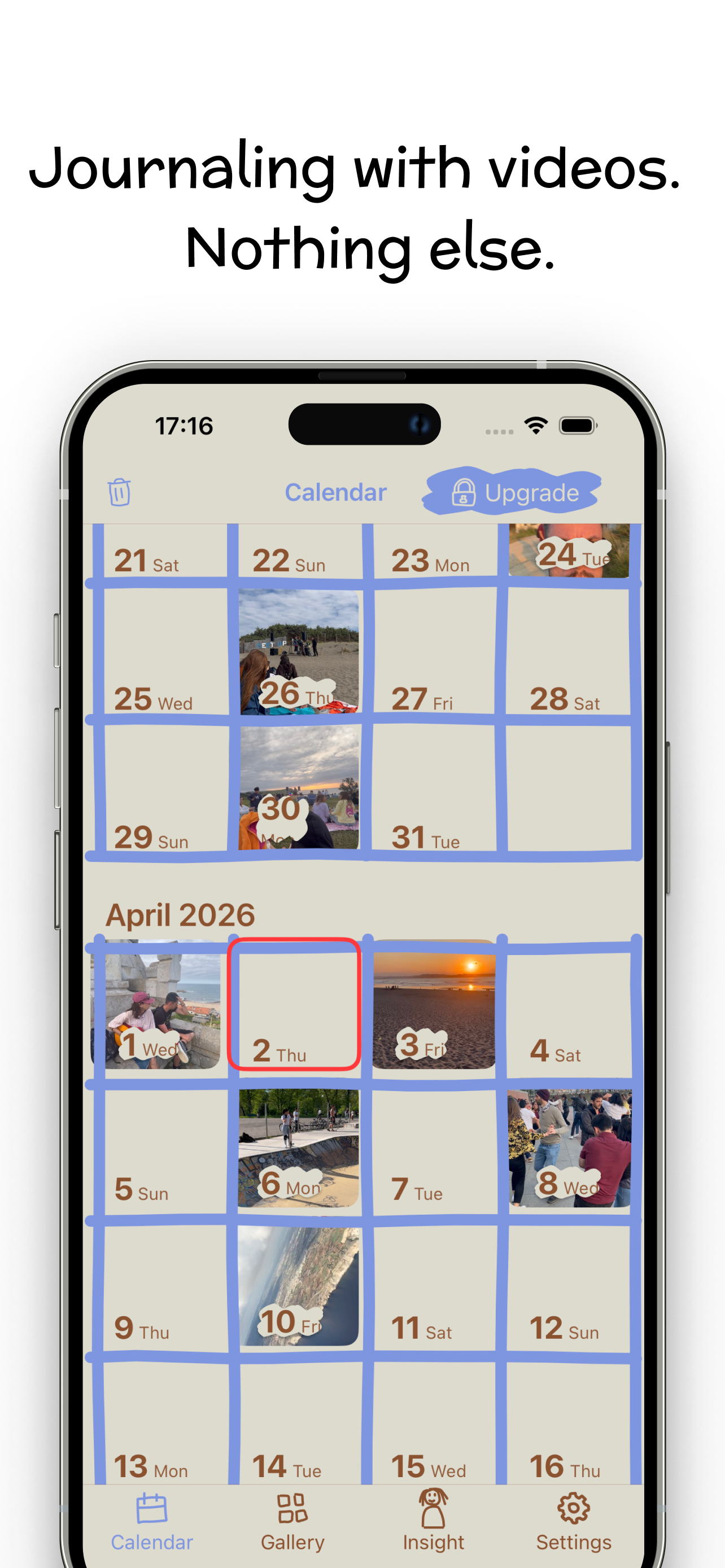
Journaling with videos. Nothing else.
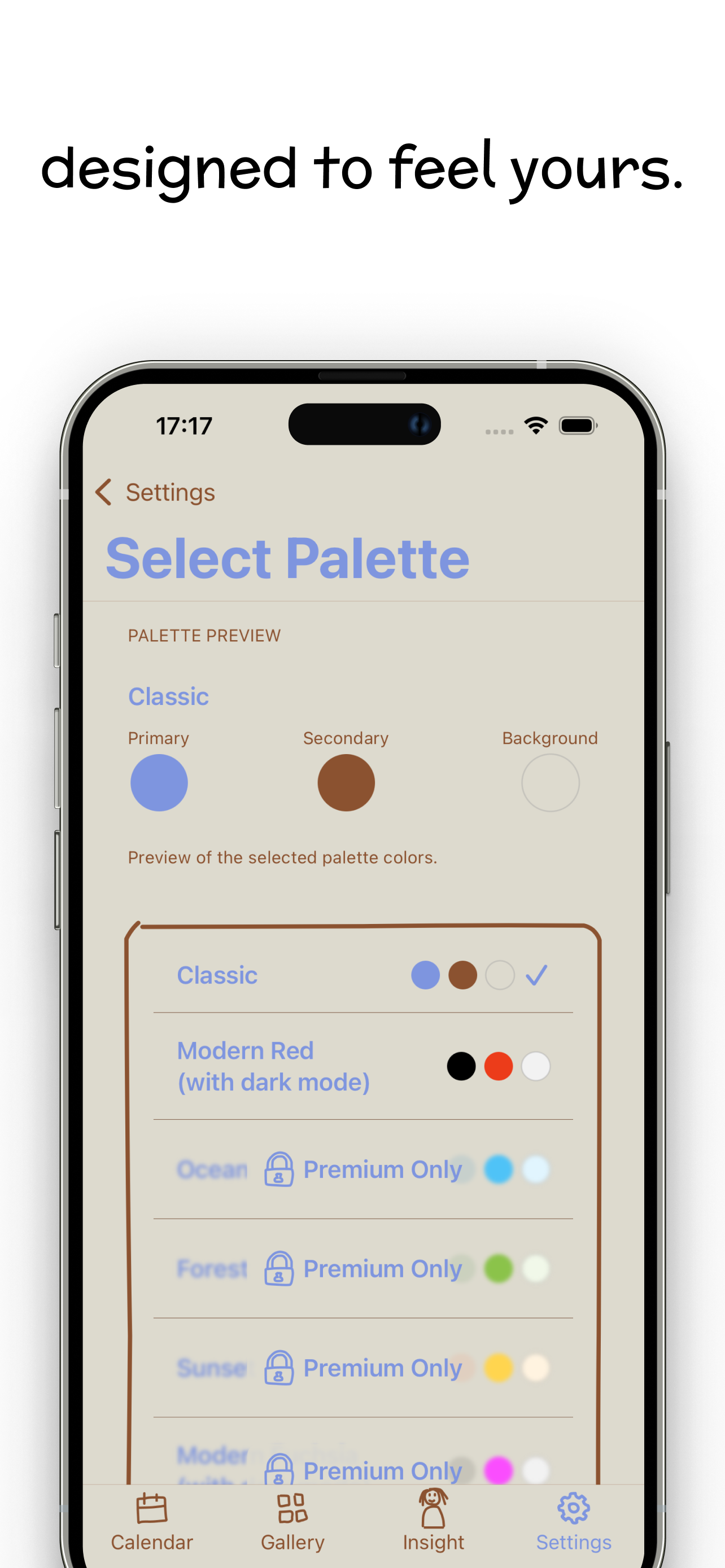
A daily video journal that looks like a diary, not a social network. Hand-drawn, warm, and entirely yours.
How Video Diary works
Three steps. No onboarding maze, no AI assistant asking how you feel — a video journal you'll actually keep.
Open & record
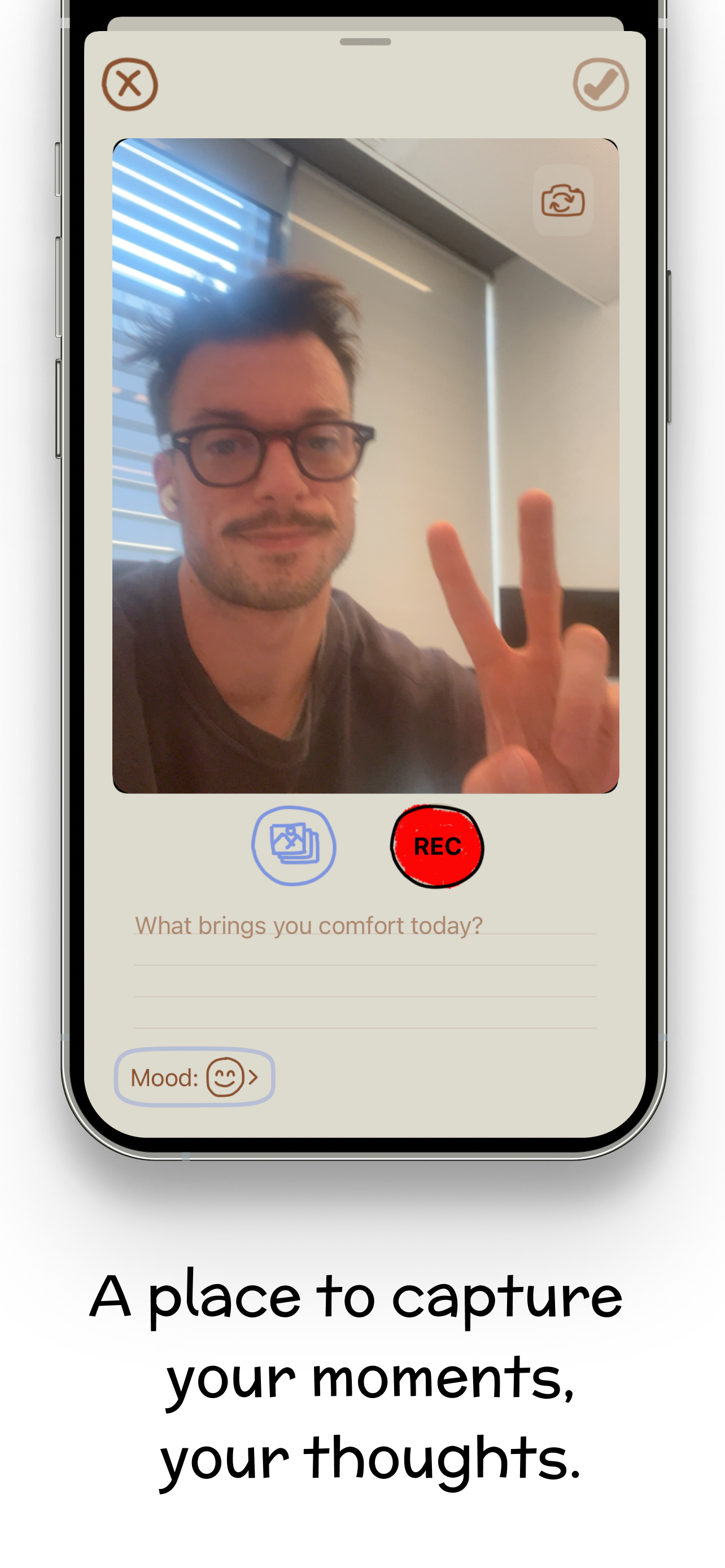
Launch the app and you're already at the camera. Tap the red REC button, say what's on your mind — a daily prompt helps if you're stuck. Add a mood and an optional note.
Relive & reflect
Every entry lands on your calendar, so scrolling back through your months feels like flipping a diary. The Insight view reveals your mood patterns over time.
Create your montage
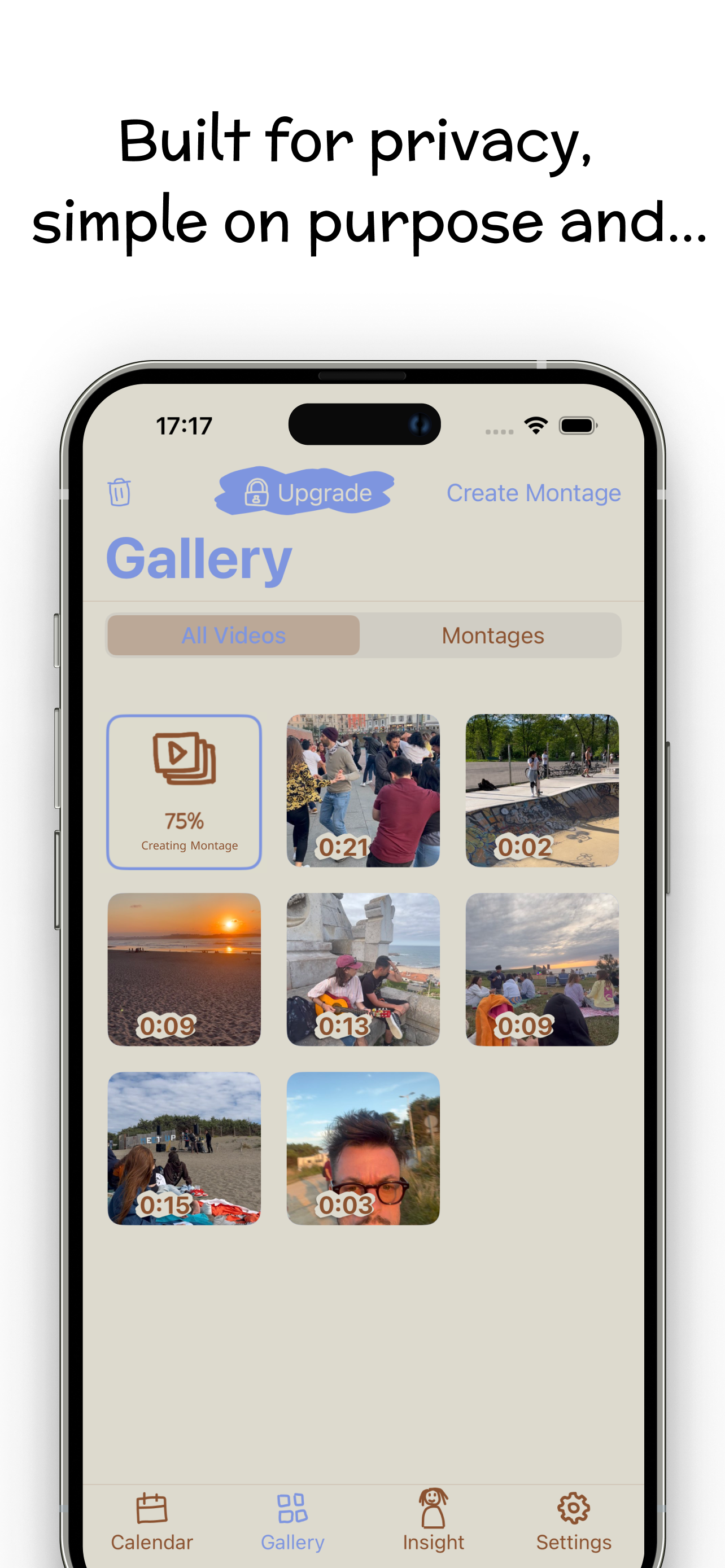
When you want the highlight reel, tap Create Montage. Your daily videos become one beautiful movie of memories — no editing required.
Video journaling guides
Everything you need to start — and keep — a video diary habit.
How to start a video diary
A beginner's routine for recording your first entries and making the habit stick.
Read the guide →Benefits of video journaling
What video captures that written journals can't — and what the research says.
Read the guide →Best video diary app for iPhone
What actually matters when choosing a video journal app (and what to avoid).
Read the guide →Best video journaling apps
Six apps compared on speed, privacy, clip length and price — including where mine loses.
Read the guide →Journaling apps without AI
Six journaling apps that still keep AI away from your entries, checked one by one.
Read the guide →Apple Journal for video journaling
Where Apple Journal works as a video diary, where it doesn’t, and what to use instead.
Read the guide →Day One for video journaling
What Day One’s plans allow for video, and when a camera-first diary fits better.
Read the guide →1 Second Everyday alternatives
What 1SE puts behind Pro, six apps that replace it, and who should stay.
Read the guide →One second a day, one movie a year
How to record a tiny clip every day and turn a year into a film.
Read the guide →30 video journal prompts
Never face a blank camera — prompts for gratitude, growth, and everyday life.
Read the guide →Keeping a private video diary
Why privacy matters for honest journaling, and how to lock your entries down.
Read the guide →Video journaling for mental health
Using the camera to process emotions, track moods, and build self-awareness.
Read the guide →How to make a memory montage
Turn your daily clips into one movie you'll rewatch forever — automatically.
Read the guide →Frequently asked questions
What is a video diary and how does it work?
A video diary is a journal you keep by recording short videos instead of writing. You open the app, tap record, speak or film your moment, and the entry is saved to a private calendar you can revisit anytime.
Learn more: how to start a video diary →What are the benefits of video journaling compared to writing?
Video captures your voice, your face, and the world around you — details text can't hold. It's faster than writing, easier to stick with, and rewatching old entries brings memories back vividly.
Learn more: benefits of video journaling →What is the best video diary app for iPhone?
The best app is the one you'll open every day. Video Diary is built for that: one-tap recording, a calendar of entries, mood tracking, and a montage maker — no AI, no feed, no account required.
Learn more: choosing a video diary app →Can I record one second every day and turn it into a movie?
Yes. Record a short clip each day — one second or one minute — and the montage maker combines your daily videos into a single movie of your memories.
Learn more: one second a day journaling →What should I talk about in my video diary?
Anything on your mind: how the day went, something you're grateful for, a decision you're weighing. Video Diary shows a fresh reflection prompt on the record screen every day, so you never face a blank camera.
Learn more: 30 video journal prompts →Is my video diary private? Does Video Diary use AI?
Your videos stay yours. There is no AI processing, no hidden sharing, and no social feed — and you can lock the app with Face ID. Private by design.
Learn more: keeping a private video diary →Can video journaling help with mental health and self-reflection?
Talking to the camera works like thinking out loud: it helps process emotions and build self-awareness. Video Diary adds mood tracking and an Insight view so you can notice patterns over time.
Learn more: video journaling for mental health →How do I make a montage from my daily videos?
Open the Gallery tab and tap Create Montage. Video Diary automatically combines your entries into one beautiful movie — no editing skills needed.
Learn more: how to make a memory montage →Is Video Diary free?
Yes — free to download and free for daily video journaling. An optional Premium subscription adds exclusive color palettes, unique fonts, Face ID lock, and iCloud backup.
Get Video Diary free on the App Store →Which devices does Video Diary work on?
Video Diary runs on iPhone (iOS 17.6+), Apple Silicon Macs (macOS 14.6+), and Apple Vision Pro (visionOS 1.3+). It runs on iPad as an iPhone app. Available in English, French, German, Italian, Japanese, Simplified Chinese, and Spanish.
See Video Diary on the App Store →