 Video Diary
Starting a video diary sounds simple — point the camera at yourself and talk — and honestly, it is. The hard part isn't the recording; it's showing up again tomorrow. This guide gives you a realistic routine for starting a video journal you'll still be keeping six months from now.
Why a video diary instead of a notebook?
A written journal keeps your words. A video diary keeps you: your voice on a tired Tuesday, the sunlight in your kitchen, the way you laugh when something finally went right. When you rewatch an entry a year later, you don't just remember the day — you're back in it. (More on this in our guide to the benefits of video journaling.)
Step 1: Anchor it to a moment you already have
Don't schedule journaling like a meeting. Attach it to something that already happens every day: the minute after you get into bed, the walk home, your first coffee. Habits stick when they ride on existing routines. If you need a nudge, set one gentle reminder — not five.
Step 2: Keep entries under two minutes
The biggest beginner mistake is recording ten-minute monologues. They're exhausting to make and worse to rewatch. Aim for 30 seconds to 2 minutes. Constraint is your friend: when you know it's short, you say what actually matters.
Step 3: Start with a prompt, not a blank camera
"So… today was a day" is how most unprompted entries begin. Instead, answer one question per entry: What made today different? What am I avoiding? What do I want to remember about this week? We've collected 30 video journal prompts if you want a supply.
Step 4: Don't perform — just talk
One take. No retakes, no good lighting, no filters. The moment you start optimizing how you look, you've turned your diary into content, and content is a chore. A video diary is the one place on camera where nobody is watching — keep it that way.
Step 5: Attach a mood
A quick "how did today feel?" tag turns a pile of clips into a record of patterns. After a few weeks you can see which weeks lifted you and which drained you — often before you'd have noticed it yourself.
Step 6: Rewatch monthly
This is the step people skip, and it's where the whole practice pays off. Once a month, scroll back through your calendar and watch two or three old entries. You'll be surprised how much changed — and how much the person on screen deserves a bit more credit than you gave yourself at the time.
Starting your video diary with the Video Diary app
Video Diary was built around exactly this routine, and removes every excuse between you and your first entry:
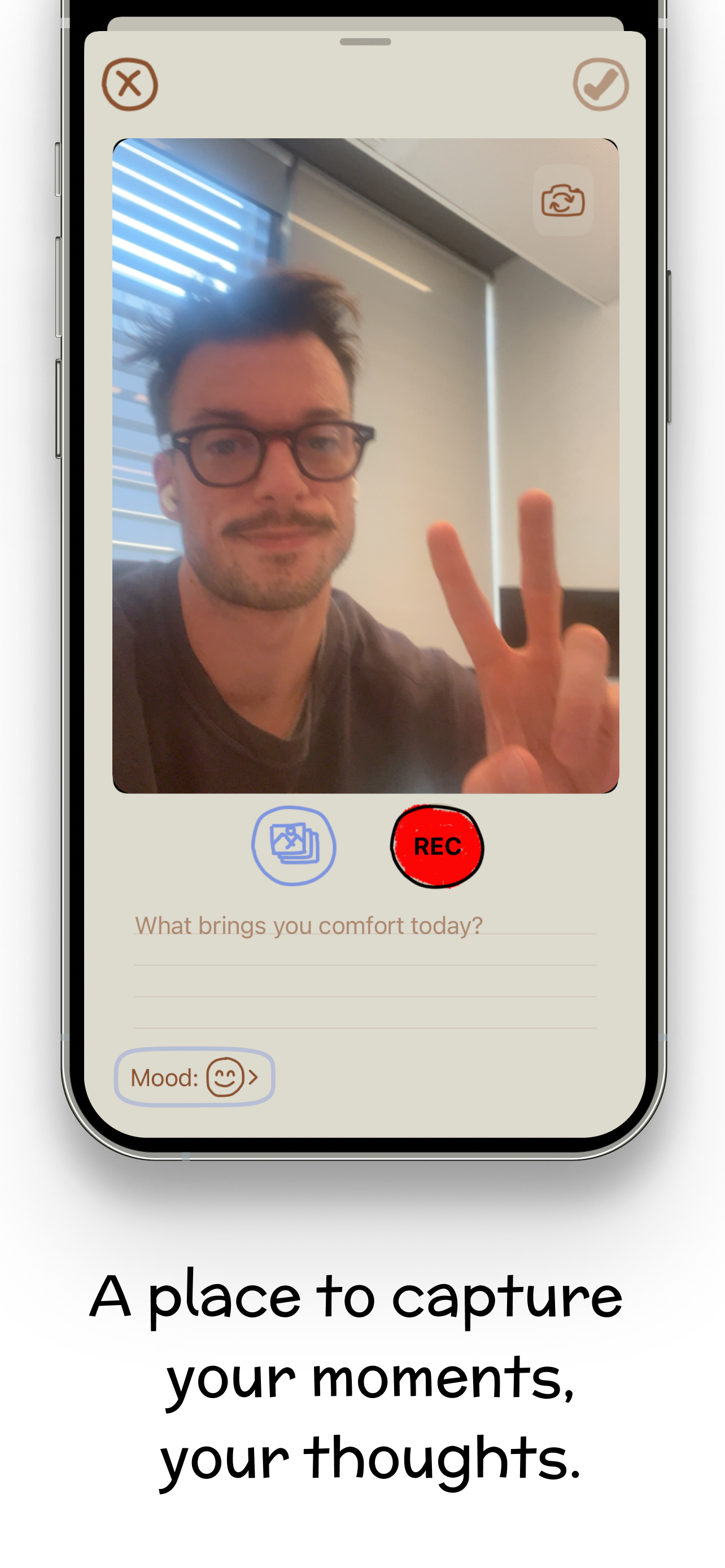
- No setup: no account, no onboarding quiz. Open the app and the camera is ready — tap the red REC button and you're journaling.
- A fresh prompt every day sits right on the record screen (like "What brings you comfort today?"), so step 3 is handled for you.
- Mood tracking built in: tag each entry with a mood and add an optional written note.
- A calendar of your days: every entry lands on its date, so your monthly rewatch feels like flipping through a diary.
- Customizable reminders nudge you at the moment you chose — and stay quiet otherwise.
Download Video Diary free on the App Store and record your first entry tonight. Future you is already grateful.