 Video Diary
A diary only works if you're honest in it, and you're only honest when you're certain nobody's watching. That was easy with a notebook and a drawer. With video, your most unguarded moments are files on a phone — so privacy isn't a feature checkbox, it's the foundation the entire habit stands on. Here's what a genuinely private video diary looks like, and the red flags to avoid.
Why privacy changes what you record
People who journal on camera for an audience — even a potential audience — perform. They sit up straighter, skip the embarrassing parts, narrate instead of confess. The therapeutic value of journaling comes precisely from the parts you'd never post. If any part of your brain believes the video could be seen, analyzed, or leaked, that part will quietly censor you, and your diary becomes a highlight reel.
What to look for in a private video diary app
Your videos stay yours
Entries should live on your device or in your personal iCloud — not on the app company's servers. If videos upload to someone else's infrastructure by default, you're trusting a startup's security team, retention policy, and eventual acquirer with your unguarded face.
No AI processing
AI journal apps transcribe, summarize, and "analyze the sentiment of" your entries — which means your most private recordings are being run through models, often in the cloud, sometimes retained for "service improvement." Whatever you think of AI generally, your diary is the one place it doesn't belong. An app that promises no AI, ever is making a real privacy commitment.
Biometric lock
The realistic threat to your diary isn't a hacker — it's a curious partner, sibling, or friend holding your unlocked phone. A Face ID lock on the diary app itself closes that gap completely. This one's non-negotiable if you share a home.
No social layer
No feed, no followers, no share-by-default. Sharing features aren't just risky ("shared to the wrong person" is one wrong tap away) — their mere existence changes how you record. A diary with a share button is a social network with extra steps.
No account requirement
An app that works without sign-up can't tie your entries to your identity on a server. It's also a good signal about the business model: an app that doesn't want your email probably doesn't want your data.
Red flags
- "Share your journey with friends!" — it's a platform, not a diary.
- AI insights/transcription enabled by default — your entries are being processed.
- Mandatory account creation before first recording.
- A privacy policy that mentions "partners," "personalization," or "service improvement" near the word "content."
How Video Diary handles privacy
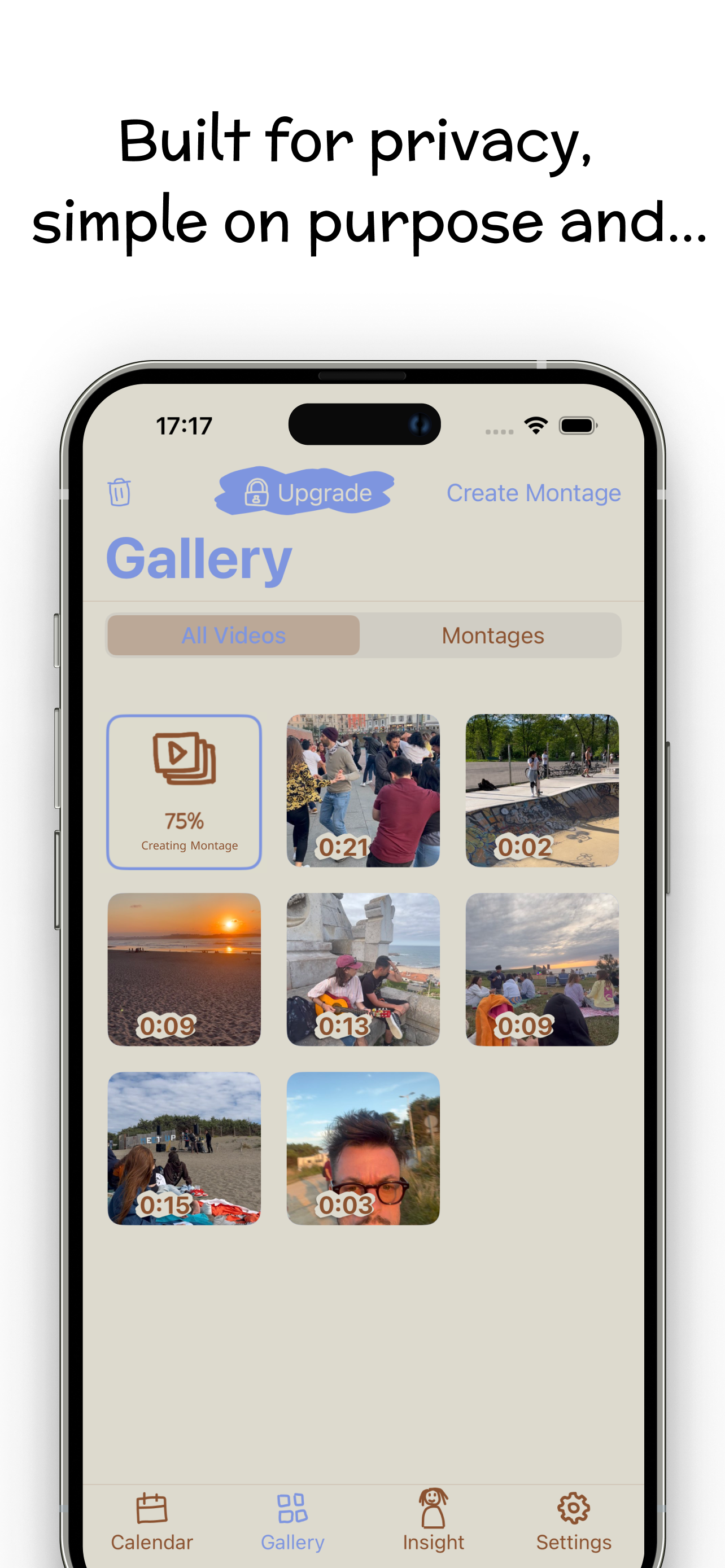
Video Diary's App Store description says "private by design," and here's what that means concretely:
- No AI, period. No transcription, no sentiment analysis, no chatbot reading your entries. The app's whole philosophy is "no AI filters or chatbots — just you and your story."
- No hidden sharing, no social feed. There is no share-by-default, no followers, no audience. Your videos stay yours.
- Face ID lock (Premium) protects the app from anyone who picks up your phone.
- No account needed — open the app and record.
- Optional iCloud backup (Premium) uses your iCloud, so even backups stay in your own Apple ecosystem.
Download Video Diary free and record the entry you'd never say out loud anywhere else. That's the one worth keeping.